loader

Leave Management

Employee Self-Service

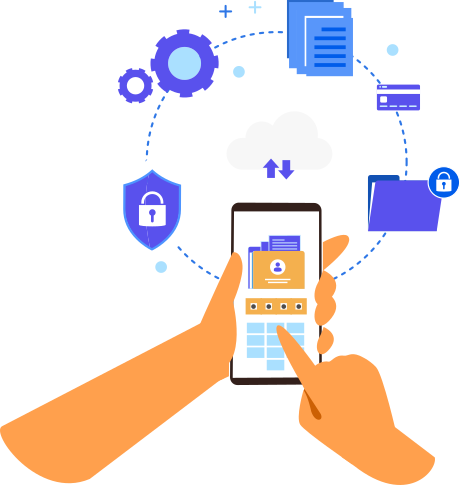
QuickkHRM provides employees with a fully equipped self-service portal where they can apply for leave, track remaining balances, view past applications, and monitor real-time approval status all without needing HR assistance.

The portal supports multiple leave types such as casual, sick, maternity, earned leave, half-day requests, optional holidays, and more. Company specific rules like carry-forward, lapsing, and leave encashment are also applied automatically, ensuring complete accuracy.

Employees receive instant notifications regarding approvals, rejections, or changes to their requests, improving transparency and reducing repetitive follow-up communication. The user-friendly layout helps employees take informed decisions before applying for leave.

Leave Management
Leave Management

Managerial Approval Workflow

Managers receive instant alerts whenever an employee submits a leave request, enabling them to approve or reject requests in just a few clicks. The intuitive approval dashboard provides full visibility into employee availability, overlapping leaves, team schedules, and workload distribution.

Team calendars and color-coded availability charts help managers make better decisions by preventing staffing gaps and ensuring business continuity. This visibility ensures that essential functions remain uninterrupted even during peak leave periods.

The system also supports multi-level approval workflows for organizations with complex reporting structures. Automated reminders ensure pending requests are not forgotten, speeding up approvals and improving overall response time.

Policy & Automation

QuickkHRM allows HR administrators to define and customize leave policies based on company rules, industry standards, or regional compliance requirements. You can configure leave types, yearly entitlements, accrual rules, holiday calendars, and weekly-offs from a centralized panel.

All calculations, including balance updates, proration, carry-forward, and lapsing, are handled automatically by the system eliminating manual interventions and significantly reducing errors. Automated notifications keep employees and managers well-informed at every stage.

The platform generates detailed leave reports that are audit-ready, making compliance management easier and faster. Exportable summaries and analytical dashboards help HR understand leave usage trends, workload patterns, and workforce availability.

Leave Management

FAQs

Frequently Asked Questions

Want to see how QuickkHRM can transform your HR workflow? From automating attendance and payroll to boosting employee engagement and performance, our FAQs answer all your questions. Still curious? Reach out today and let our experts show you how effortless HR management can be.

Book Demo
01. What is QuickkHRM best used for?

QuickkHRM is built to simplify payroll, attendance, and leave management for growing businesses. It’s especially useful for companies that want accurate payroll without relying on Excel or complex HR tools.

Yes. QuickkHRM is designed for MSMEs and growing teams that may not have a dedicated HR department but still need reliable payroll and HR processes.

Payroll in QuickkHRM is calculated using real attendance, leave, and salary structure data. This reduces manual errors and ensures salaries, deductions, and overtime are calculated correctly every month.

Yes. You can define multiple salary structures, allowances, deductions, and overtime rules based on your company’s needs.

Our support team is available to help, especially during payroll processing days. We understand payroll is time critical and provide quick assistance when it matters most.

Yes. Employees can view their attendance, apply for leave, and download payslips through a self-service portal, reducing HR back-and-forth.

Yes. QuickkHRM uses role-based access controls and secure data storage with regular backups to keep your HR and payroll data safe.

You can book a free demo to see how QuickkHRM works with real payroll scenarios. Our team will guide you through setup and help you get started smoothly.